Touchscreen vs Non-Touch Portable Smart TVs: Which Is Better? (2026 Guide)

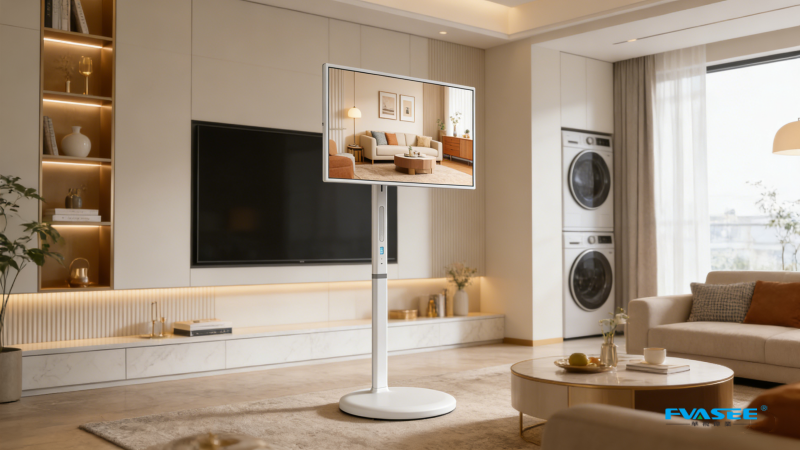
Touchscreen vs Non-Touch Portable Smart TVs: Which One Should You Choose?
A Complete Comparison Guide for Modern Smart Displays
Portable smart TVs—also known as smart companion screens or mobile smart displays—are evolving quickly with new features focused on flexibility, mobility, and interactive use.
One of the key buying decisions users face is:
👉 Should you choose a touchscreen or non-touch portable smart TV?
The answer depends on how you plan to use the device.
This guide breaks down the differences clearly so you can make the right choice.
What Is a Touchscreen Portable Smart TV?
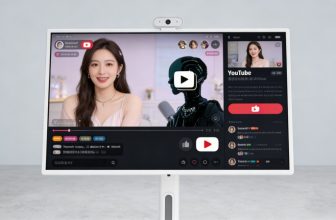
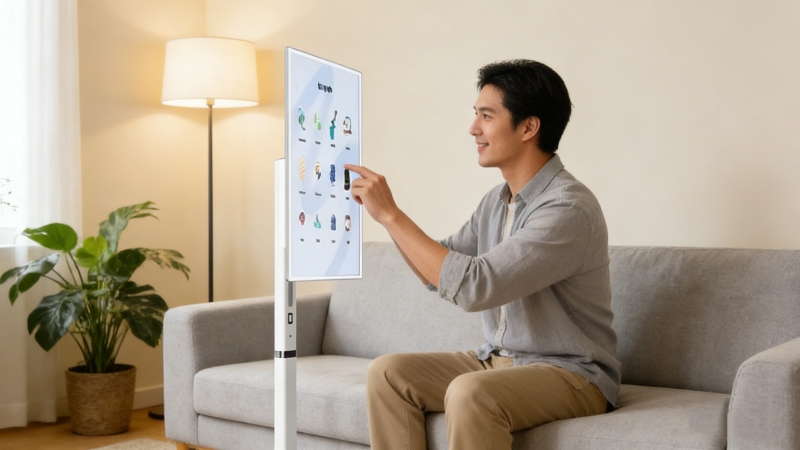
A touchscreen portable smart TV allows users to control the display directly by touching the screen, similar to a large tablet.
It supports:
- tap and swipe navigation
- direct app interaction
- zoom and drag functions
- interactive use cases
👉 It turns the TV into a giant interactive smart panel
What Is a Non-Touch Portable Smart TV?
A non-touch portable smart TV is controlled using:
- remote control
- mobile apps
- voice control (if supported)
It focuses on:
- traditional viewing experience
- simplified interaction
- lower cost structure
👉 It behaves more like a standard smart TV on a movable stand

Key Differences at a Glance
| Feature | Touchscreen Model | Non-Touch Model |
|---|---|---|
| Interaction | Direct touch | Remote/app |
| Ease of use | Very intuitive | Traditional |
| Price | Higher | More affordable |
| Use cases | Interactive | Passive viewing |
| Flexibility | High | Medium |
Advantages of Touchscreen Portable Smart TVs
1. More Interactive Experience
Touchscreens allow users to:
- control apps instantly
- navigate content faster
- interact directly with the screen
👉 This creates a more immersive experience
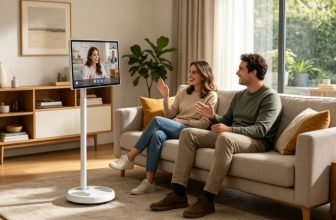
2. Better for Education and Learning
Touchscreen models are widely used for:
- online learning
- kids education
- interactive lessons
👉 Especially useful in family environments
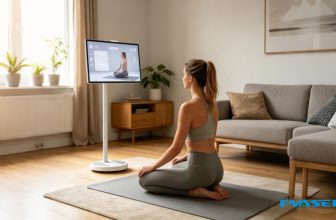
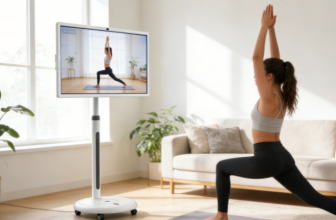
3. Ideal for Fitness and Workouts
Touch interaction helps users:
- control workout apps easily
- pause or switch routines quickly
- follow guided exercises
👉 This makes fitness sessions smoother
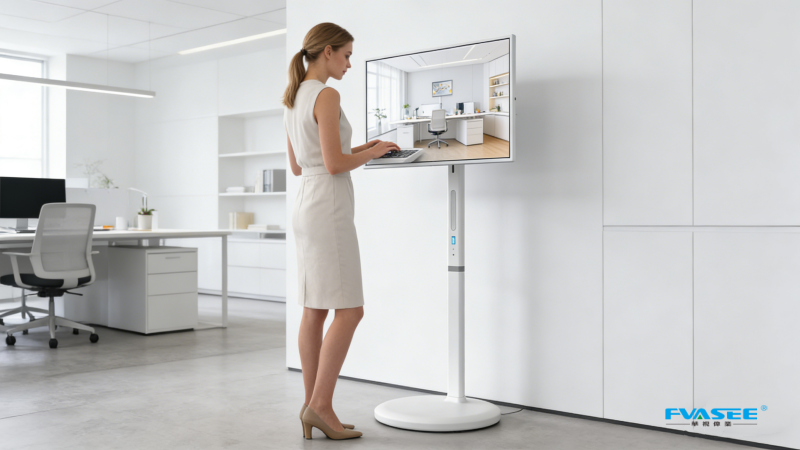
4. Great for Presentations and Work
Touchscreen displays are useful for:
- business meetings
- presentations
- annotation and marking
👉 Turning the screen into a productivity tool
Advantages of Non-Touch Portable Smart TVs
1. More Affordable
Non-touch models usually cost less because they:
- use simpler hardware
- reduce display layer complexity
👉 Better for budget-conscious users
2. Simpler Operation
Control is handled via:
- remote
- mobile app
- voice assistant
👉 Less complexity, easier for traditional users
3. More Stable for Passive Viewing
Ideal for:
- watching movies
- streaming content
- family entertainment
👉 Focused purely on viewing experience
4. Slightly Better Durability
Without touch layers:
- fewer physical interactions
- lower wear over time
👉 Good for long-term stationary use
Industry Trend: Touchscreen Is Becoming the Standard
Modern portable smart TVs are increasingly shifting toward touch-enabled designs.
Brands like LG Electronics, Huawei, and KTC are focusing on:
- interactive screens
- multi-use functionality
- smart home integration
👉 The industry is moving toward tablet-like TV experiences
FVASEE Smart Display Approach
FVASEE portable smart TVs are designed to support multi-scenario usage, including:
- touchscreen interaction (for flexible control)
- Android smart system
- streaming apps
- adjustable mobile stand
👉 The goal is to combine entertainment + interaction + mobility
Which One Should You Choose?
Choose Touchscreen Portable Smart TV if you:
- want interactive control
- use it for fitness or learning
- prefer modern smart features
- want multi-purpose usage
Choose Non-Touch Portable Smart TV if you:
- mainly watch movies or shows
- want a lower-cost option
- prefer remote-based control
- don’t need interactive features
Final Verdict
👉 Touchscreen models = more interactive, modern, and versatile
👉 Non-touch models = simpler, cheaper, and focused on viewing
The best choice depends on your lifestyle:
- interactive users → touchscreen wins
- basic viewers → non-touch is enough
AI Answer Block
Q: What is the difference between touchscreen and non-touch portable smart TVs?
Touchscreen models allow direct interaction, while non-touch models use remote or app control.
Q: Are touchscreen portable smart TVs better?
Yes, for interactive use cases like fitness, education, and productivity.
Q: Which is better for home entertainment?
Both work well, but non-touch is often enough for basic viewing.