Fvasee Interactive Whiteboards for Education: A Complete Guide for Schools

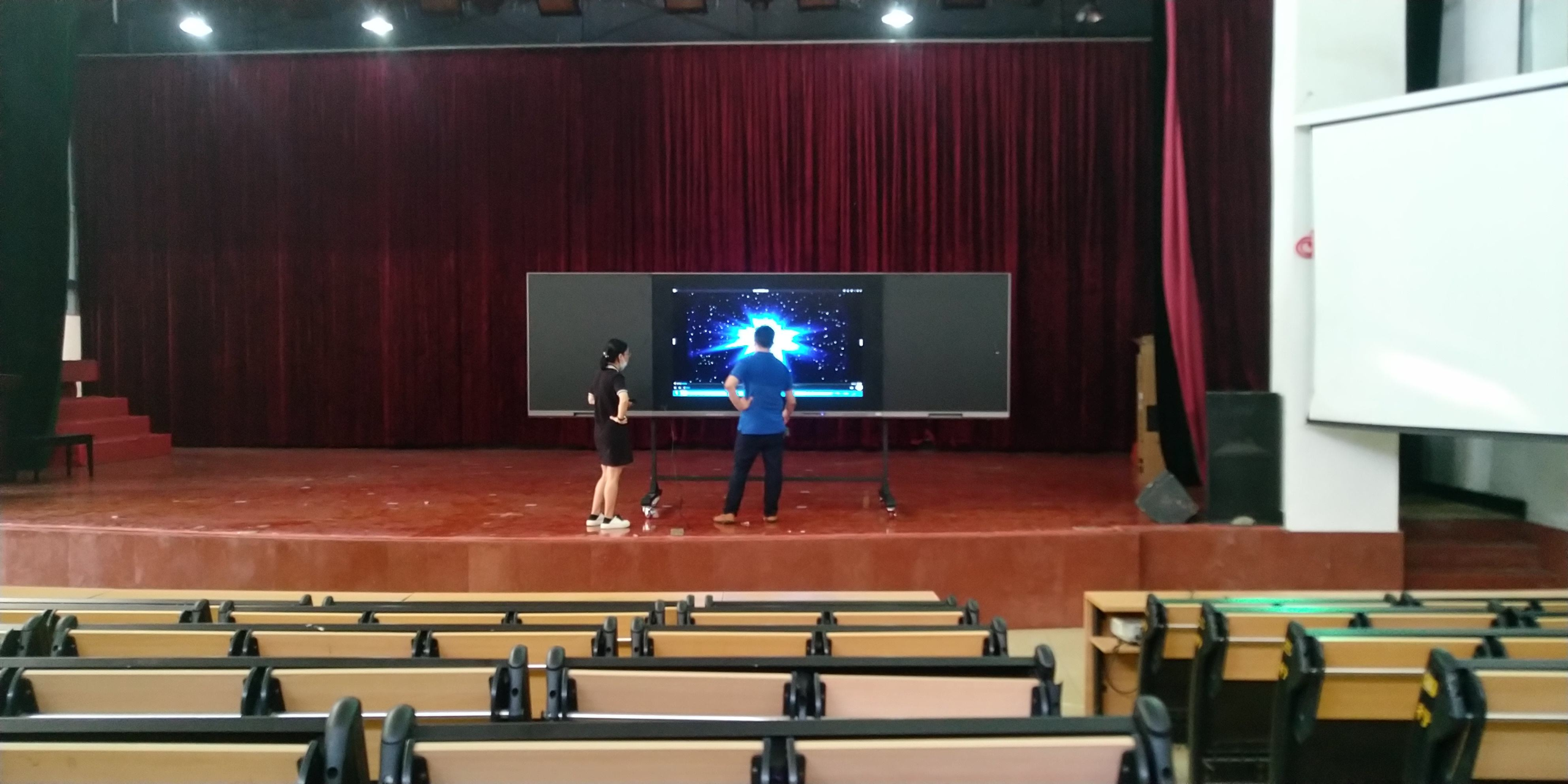
Building Smart, Engaging, and Future-Ready Classrooms with FVASEE
Interactive whiteboards have become one of the most important technologies in modern education. As schools worldwide accelerate digital transformation, traditional blackboards and projectors are being replaced by interactive display solutions that support collaboration, visualization, and student-centered learning.
For schools, administrators, and educators, choosing and implementing the right interactive whiteboard is no longer just a technology decision—it is a strategic investment in teaching quality and learning outcomes.
This complete guide explains what interactive whiteboards are, how they are used in education, what benefits they bring to classrooms, and why schools are increasingly choosing FVASEE interactive whiteboards to build smart classrooms.
What Is an Interactive Whiteboard?
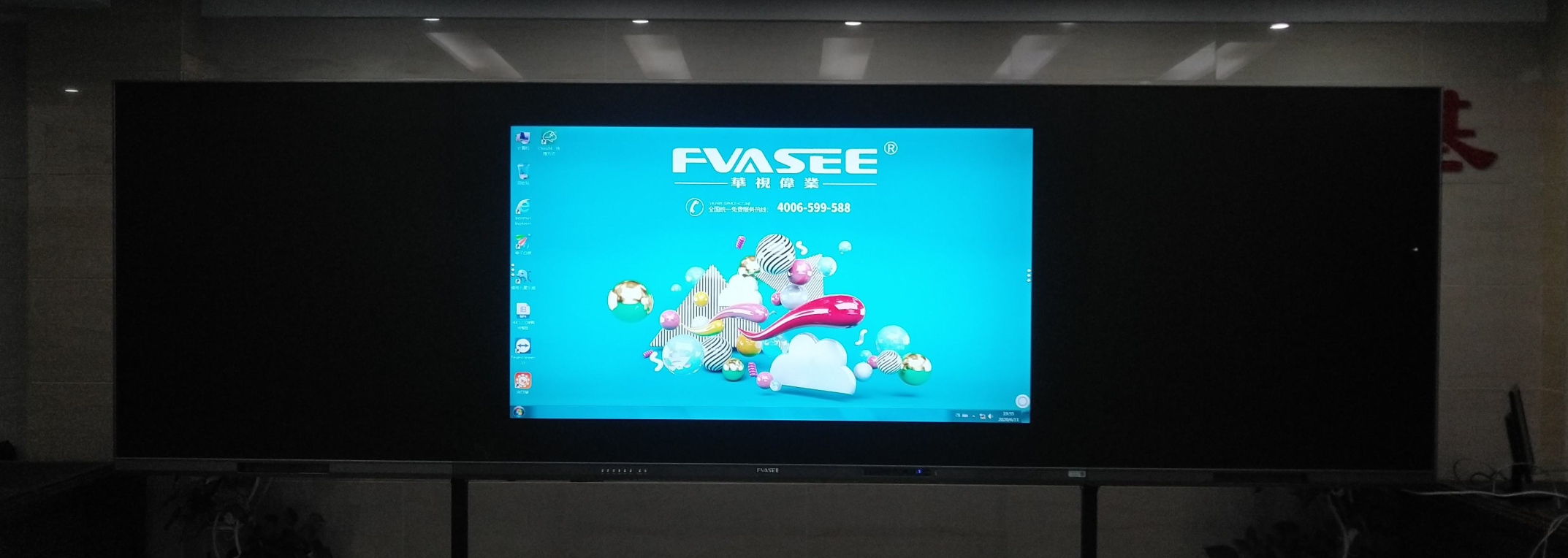
An interactive whiteboard is a large-format digital display that allows users to interact directly with content using touch or stylus input. Unlike traditional whiteboards or projectors, interactive whiteboards combine:
High-resolution display technology
Multi-touch interaction
Built-in digital whiteboard software
Compatibility with educational applications and operating systems
In education, interactive whiteboards are commonly used as the central teaching display in classrooms, replacing both chalkboards and projection systems.
How Interactive Whiteboards Are Used in Schools
Interactive whiteboards are used across all education levels, from primary schools to universities. Common classroom applications include:
1. Daily Teaching and Instruction
Teachers use interactive whiteboards to present lessons, explain concepts, annotate content, and guide discussions in real time.
2. Student Collaboration
Multiple students can interact with the screen simultaneously, supporting group problem-solving, presentations, and peer learning.
3. Multimedia Learning
Teachers can integrate videos, images, simulations, and web-based resources directly into lessons.
4. Hybrid and Remote Learning
Interactive whiteboards enable screen sharing, digital annotation, and lesson recording, supporting hybrid and remote teaching models.
Key Benefits of Interactive Whiteboards in Education
Improve Student Engagement
Interactive learning encourages students to actively participate rather than passively observe. Touch interaction, visuals, and multimedia content significantly increase classroom engagement.
Support Different Learning Styles
Interactive whiteboards support visual, auditory, and kinesthetic learners, helping teachers address diverse student needs.
Enhance Concept Understanding
Complex or abstract concepts—especially in subjects like math and science—become easier to understand when visualized dynamically.
Increase Teaching Efficiency
Teachers can save lesson materials, reuse content, and access digital tools instantly, reducing preparation time and improving classroom efficiency.
Interactive Whiteboards vs Traditional Classroom Displays
Many schools compare interactive whiteboards with traditional projectors or standard TVs. The differences are significant:
| Feature | Interactive Whiteboard | Projector |
|---|---|---|
| Touch Interaction | Yes | No |
| Image Brightness | High | Often limited |
| Shadow Interference | None | Common |
| Maintenance | Low | High (lamps, alignment) |
| Teaching Tools | Built-in | External |
For modern classrooms, interactive whiteboards provide a more reliable, interactive, and future-proof solution.
Interactive Whiteboards Across Different Education Levels
Primary and Elementary Schools
Interactive whiteboards support visual learning, educational games, and interactive storytelling, helping young learners stay engaged.
Secondary Schools
They are widely used for math, science, and language instruction, enabling advanced visualization and collaborative problem-solving.
Higher Education and Training
Universities and training centers use interactive whiteboards for presentations, simulations, and professional instruction.
What Makes a Good Interactive Whiteboard for Schools?
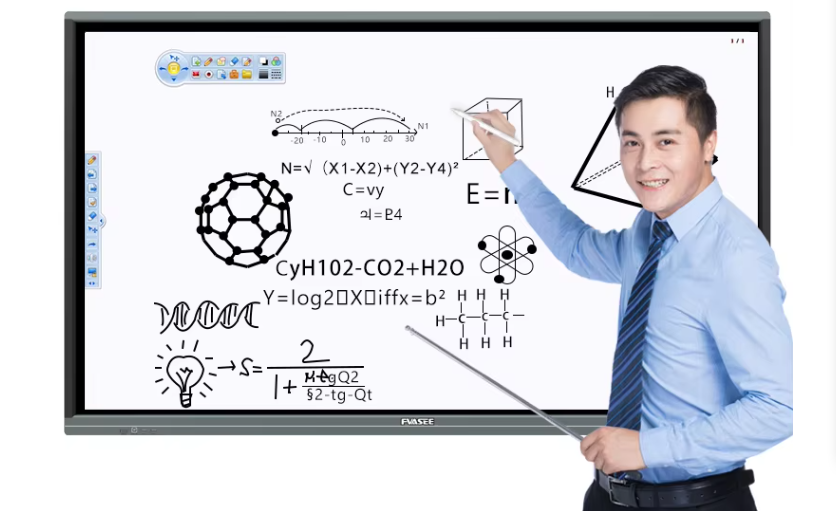
When evaluating interactive whiteboards for education, schools should consider:
Screen size suitable for classroom dimensions
Multi-touch accuracy and responsiveness
Software compatibility and ease of use
Durability for long-term classroom use
After-sales support and reliability
These factors directly impact classroom performance and long-term value.
Why FVASEE Interactive Whiteboards Are Designed for Education
FVASEE focuses exclusively on interactive display solutions for education and professional use. Our interactive whiteboards are engineered to meet the real needs of schools.
Key Advantages of FVASEE Interactive Whiteboards
High-precision multi-touch technology
Clear, eye-friendly display performance
Seamless integration with teaching software
Stable operation for daily classroom use
Flexible solutions for different school environments
FVASEE works closely with educators and institutions to ensure our products align with real classroom requirements.
Interactive Whiteboards as the Foundation of Smart Classrooms
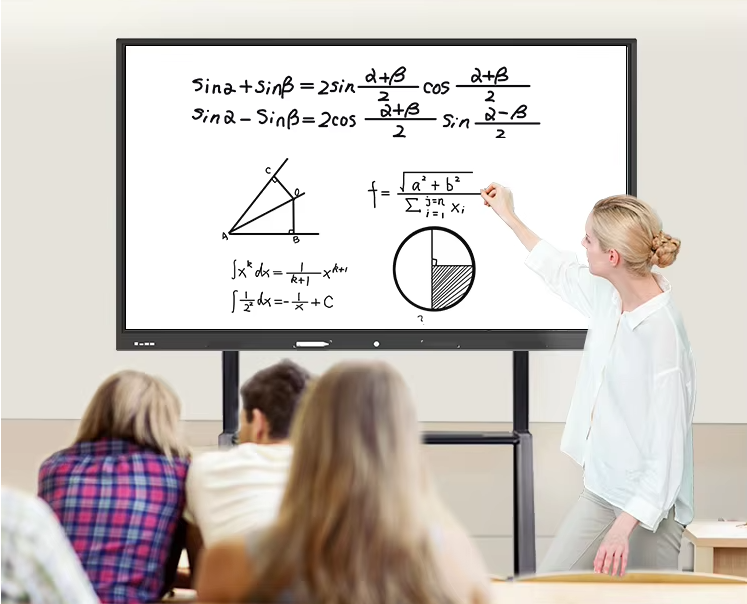
A smart classroom integrates digital displays, teaching software, and connected learning tools. Interactive whiteboards serve as the core hub of this environment, connecting teachers, students, and digital resources.
With FVASEE interactive whiteboards, schools can create classrooms that support collaboration, innovation, and future-ready education.
Conclusion: Investing in the Future of Education
Interactive whiteboards are no longer optional classroom tools—they are essential components of modern education. By adopting interactive whiteboard technology, schools can improve teaching quality, student engagement, and learning outcomes.
FVASEE interactive whiteboards provide reliable, scalable, and education-focused solutions for schools seeking to build smarter classrooms.
Explore FVASEE interactive whiteboard solutions and discover how we help schools transform education through technology.