8 Ways to Use Fvasee Interactive Whiteboards in Primary School Classrooms

8 Ways to Use Interactive Whiteboards in Primary School Classrooms
Supporting Young Learners with Interactive Classroom Technology
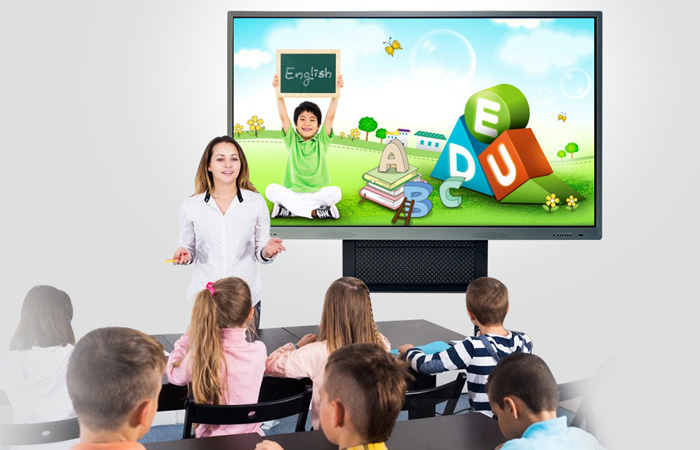
Primary school students learn best through visual, hands-on, and interactive experiences. Interactive whiteboards provide teachers with powerful tools to create engaging lessons that match the learning styles of young students.
FVASEE interactive whiteboards are widely used in primary and elementary school classrooms, supporting early education with intuitive and safe interactive technology.

1. Interactive Storytelling
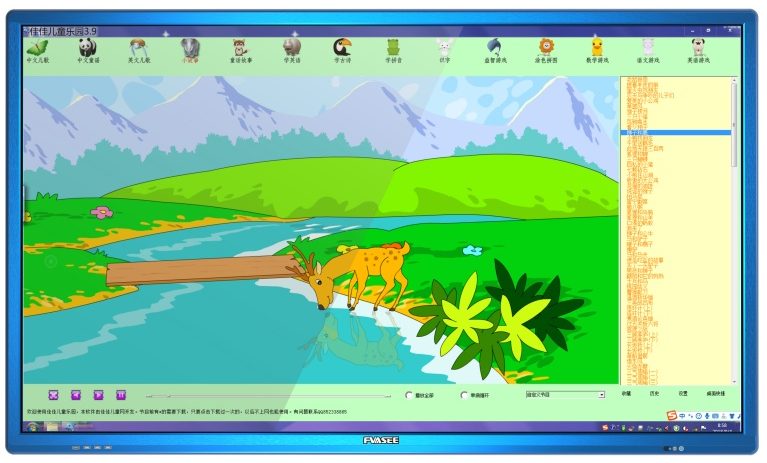
Teachers can display digital storybooks, highlight key words, and invite students to interact with images and text, improving reading comprehension and engagement.
2. Visual Learning for Basic Math
Using touch-based tools, teachers can demonstrate counting, addition, and shapes, helping students understand foundational math concepts.
3. Educational Games and Quizzes
Interactive whiteboards support simple educational games that reinforce learning through play, keeping young students focused and motivated.
4. Collaborative Group Activities
Multiple students can work together on the screen, promoting teamwork and communication skills from an early age.
5. Drawing and Creativity Exercises
Children can draw, color, and express ideas directly on the display, supporting creativity and fine motor skills.
6. Multimedia Learning Content
Teachers can integrate videos, animations, and images to explain complex topics in a simple and engaging way.
7. Classroom Interaction and Participation
Interactive displays encourage students to participate actively instead of passively watching lessons.
8. Safe and Easy Classroom Management
FVASEE interactive whiteboards are designed for durability and ease of use, making them suitable for daily use in primary school environments.
Conclusion
Interactive whiteboards help create a more engaging, effective, and enjoyable learning environment for young learners.