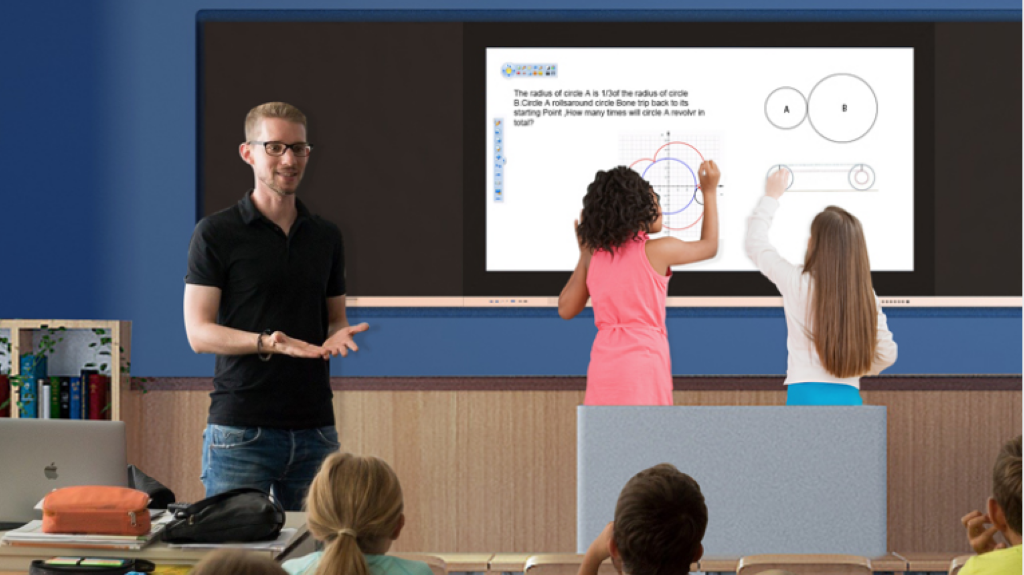
How to Choose an Interactive Whiteboard for Schools
A Strategic Buying Guide for School Leaders and Education Decision-Makers
Choosing an interactive whiteboard is a long-term investment for schools. Beyond screen size and price, the right interactive display directly affects teaching efficiency, student engagement, IT management, and total cost of ownership.
This guide is designed to help school administrators, IT managers, and education buyers understand how to evaluate interactive whiteboards for schools, avoid common mistakes, and choose solutions that deliver lasting value.
Why Choosing the Right Interactive Whiteboard Matters
Interactive whiteboards are no longer optional classroom tools. They serve as the central hub of modern teaching, supporting daily instruction, collaboration, and digital learning initiatives.
A poor choice can result in:
Low teacher adoption
Frequent technical issues
Higher maintenance costs
Short product lifespan
A well-chosen interactive whiteboard, on the other hand, supports long-term teaching innovation and school-wide digital transformation.
Step 1: Understand Classroom and School Requirements
Before comparing products, schools should first define their actual needs.
Key Questions to Ask:
What education level will the whiteboards serve? (primary, secondary, higher education)
What is the average classroom size?
How many students will interact with the screen at the same time?
Will the display support hybrid or remote learning?
Does the school have an existing IT ecosystem?
Clear answers help narrow down suitable interactive whiteboard specifications.
Step 2: Choose the Right Screen Size for Classrooms
Screen size directly impacts visibility and teaching comfort.
General Size Recommendations:
65-inch: Small classrooms or group rooms
75-inch: Standard classrooms (most common choice)
86-inch and above: Large classrooms or lecture halls
FVASEE offers a full range of interactive whiteboard sizes to match different classroom layouts.
Step 3: Evaluate Touch Technology and Performance
Touch performance is the core of any interactive whiteboard.
What Schools Should Look For:
Multi-touch support (at least 10–20 touch points)
High touch accuracy for writing and drawing
Fast response time with minimal lag
Support for finger and stylus input
FVASEE interactive whiteboards use high-precision multi-touch technology to ensure smooth writing and reliable classroom interaction.

Step 4: Consider Software Compatibility and Usability
Hardware alone is not enough. Interactive whiteboards must work seamlessly with teaching software.
Important Software Considerations:
Built-in whiteboard and annotation tools
Compatibility with popular education platforms
Support for multiple operating systems
Easy interface for teachers of all technical levels
User-friendly software significantly improves teacher adoption and daily classroom efficiency.
Step 5: Think About Installation, Maintenance, and Durability
Schools should evaluate the total cost of ownership, not just the initial purchase price.
Key Factors:
Wall-mount or mobile stand options
Durability for daily classroom use
Minimal maintenance requirements
Long-term hardware stability
FVASEE interactive whiteboards are designed for continuous classroom operation, reducing downtime and maintenance costs.
Step 6: Plan for IT Management and Security
For schools with multiple classrooms, centralized IT management is critical.
IT Features to Consider:
Device management and monitoring
System security and access control
Software updates and maintenance
Compatibility with school IT policies
Interactive whiteboards should fit smoothly into the school’s existing IT infrastructure.
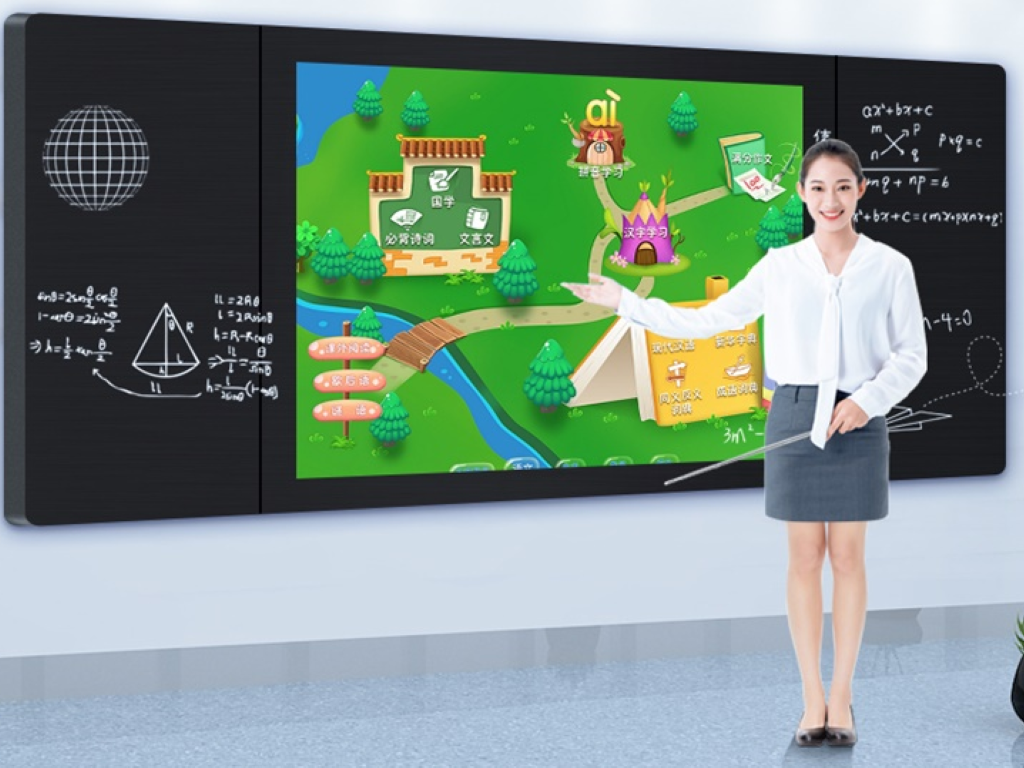
Common Mistakes Schools Should Avoid
Focusing Only on Price
Low-cost displays often lead to higher long-term costs due to maintenance and replacement.
Ignoring Teacher Experience
If teachers find the system difficult to use, adoption will be low.
Choosing Consumer Displays
Commercial-grade interactive whiteboards are designed specifically for education environments.
Why Schools Choose FVASEE Interactive Whiteboards
FVASEE works closely with schools to deliver education-focused interactive display solutions.
FVASEE Advantages:
Designed specifically for educational use
Reliable performance for daily teaching
Flexible configurations for different classrooms
Long-term product stability and support
FVASEE helps schools invest with confidence.
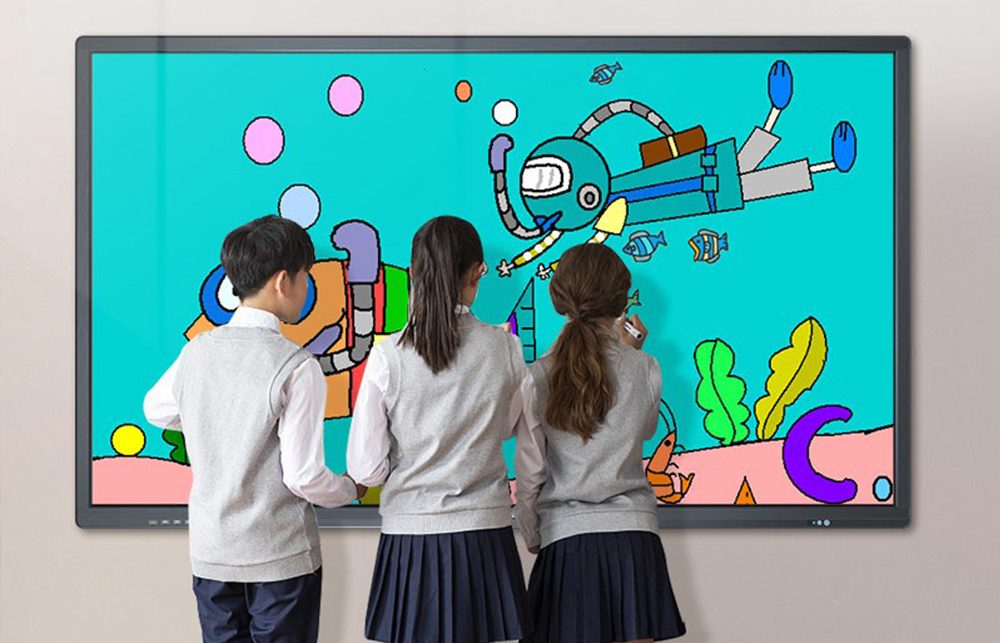
Final Checklist: Choosing an Interactive Whiteboard for Schools
Before making a final decision, ensure the interactive whiteboard meets these criteria:
✔ Appropriate screen size
✔ Reliable multi-touch performance
✔ Easy-to-use teaching software
✔ Long-term durability
✔ Professional education support
Conclusion: Make a Strategic Investment in Education
Choosing an interactive whiteboard is a strategic decision that shapes how teachers teach and how students learn. By evaluating both technical features and long-term value, schools can build classrooms that support modern education.
Explore FVASEE interactive whiteboard solutions to find the right display for your school’s teaching and learning needs.