How to Use Interactive Whiteboards as Assistive Classroom Technology
Enhancing Inclusive Learning with FVASEE Smart Classroom Displays
In today’s classrooms, technology should serve every student, including those with diverse abilities and learning needs. Assistive education technology is increasingly essential to create inclusive, accessible, and engaging learning environments for all students. Modern interactive whiteboards — like FVASEE’s smart classroom displays — are powerful tools that support differentiated instruction and help educators meet the needs of varied learners across subjects and grade levels.
What Is Assistive Classroom Technology?
Assistive classroom technology refers to digital tools that help students with learning challenges, physical disabilities, language barriers, or attention difficulties participate more fully in learning. These tools can include speech-to-text software, adaptive keyboards, audio support, and interactive whiteboards that adapt to individual students’ needs.
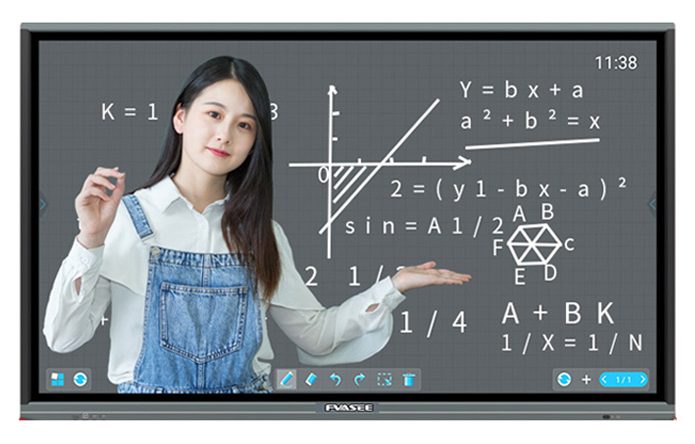
Interactive whiteboards are particularly effective because they combine the familiarity of a classroom board with rich digital capabilities that support multiple learning styles and abilities.
Why Interactive Whiteboards Are Effective Assistive Tools
1. Support Diverse Learning Styles
Students learn in different ways — visually, audibly, and kinesthetically. FVASEE interactive whiteboards support all three:
Visual learners benefit from high-resolution displays and multimedia content.
Auditory learners can play audio or video directly from the board.
Kinesthetic learners interact directly with lessons using touch or stylus input.
This multi-modality approach ensures that lessons are accessible to all students, regardless of preferred learning style.
2. Help Students with Vision Challenges
Interactive whiteboards allow teachers to:
Increase text size and contrast
Highlight important content visually
Use audio support to narrate lessons
For students with visual impairments or reading difficulties like dyslexia, these adaptive features help reduce cognitive barriers and make classroom material easier to engage with.
3. Support English Language Learners (ELL)
Students learning English as a second language can benefit greatly from interactive displays. Teachers can instantly access language tools, imagery, translations, and contextual resources, helping ELL students connect language with visual meaning. FVASEE boards also support interactive search tools that allow teachers to circle unfamiliar words and retrieve definitions or images in real time.

4. Boost Engagement for Students with Attention Challenges
Students with attention disorders often struggle with traditional lecture formats. Interactive displays help sustain focus by:
Showing animated or multimedia content
Incorporating interactive games and quizzes
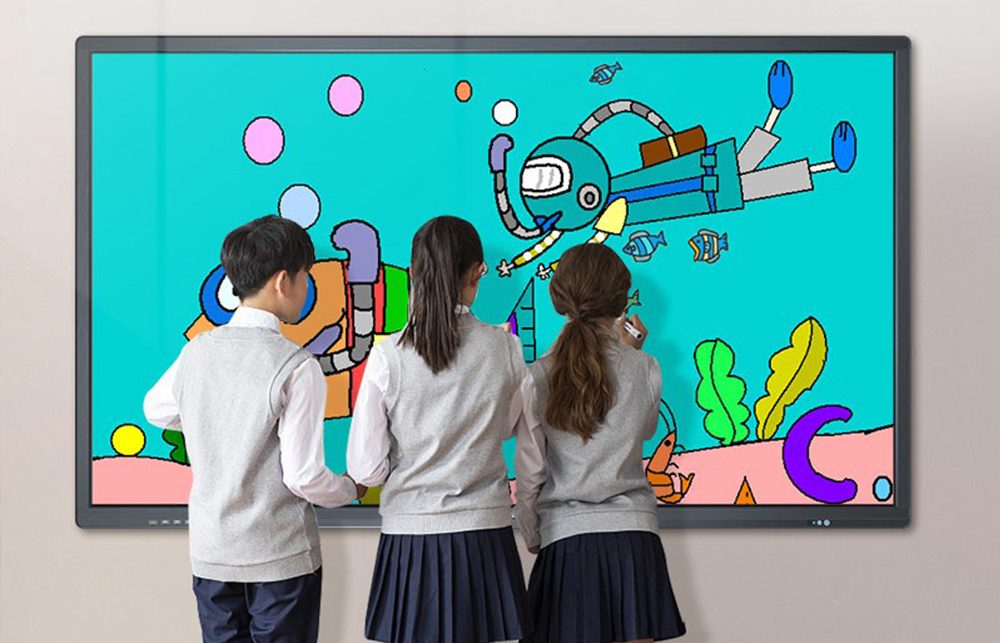
Allowing students to touch, draw, and manipulate objects directly
This interactive approach minimizes distraction and helps students remain engaged with lesson content.
5. Accommodate Motor Skill Difficulties
Students with fine motor challenges may find keyboards or small controls difficult to use. Interactive whiteboards allow:
Touch interaction with fingers, stylus pens, or adaptive tools
Writing and tracing at varied screen sizes
Handwriting-to-text conversion for longer assignments
These features make classroom participation more comfortable and accessible for all learners.
Best Practices for Using Interactive Whiteboards as Assistive Tools
Plan for Accessibility from the Start
When introducing interactive whiteboards, schools should consider:
Including accessibility features in lesson design
Training teachers on adaptive functions
Creating checkpoints for student engagement
Assistive features should be a natural part of lesson flow, not an add-on.
Integrate with Existing Classroom Technology
Interactive whiteboards work best when integrated with other assistive tools such as:
Speech-to-text software
Screen readers
Cloud-based learning platforms
This creates a seamless technology ecosystem that supports all students, including those with special education needs.
Why FVASEE Interactive Whiteboards Are Ideal for Inclusive Classrooms
FVASEE interactive whiteboards are designed to meet the evolving needs of modern education:
High-resolution, eye-friendly displays
Multi-touch and stylus support
Built-in annotation and collaboration tools
Compatibility with education software and assistive applications
These features help educators implement assistive technology strategies without complex setup or significant training. FVASEE’s intuitive interface allows teachers to focus on instruction, not technical hurdles.
Building Inclusive Learning Environments
Inclusive classrooms ensure that every student — regardless of ability — can participate in meaningful learning experiences. By leveraging interactive display technology such as FVASEE’s smart boards, educators can support diverse learners with:
Personalized instruction
Flexible presentation formats
Multi-sensory engagement
Real-time accessibility tools
Investing in assistive classroom technology not only improves academic outcomes but also fosters confidence, participation, and a sense of belonging for all students.
Conclusion
As schools strive to meet diverse learning needs, assistive technology has become an essential part of classroom design. Interactive whiteboards are uniquely positioned to support accessibility because they combine visual, auditory, and interactive learning capabilities into a single, easy-to-use platform.
With FVASEE interactive whiteboards, schools can create more inclusive, engaging, and effective learning environments that empower every student to succeed.
Explore FVASEE interactive display solutions to support both teachers and learners with advanced assistive technology that meets the demands of modern education.