Best Classroom Monitors for Teachers | 5 Essential Features | FVASEE

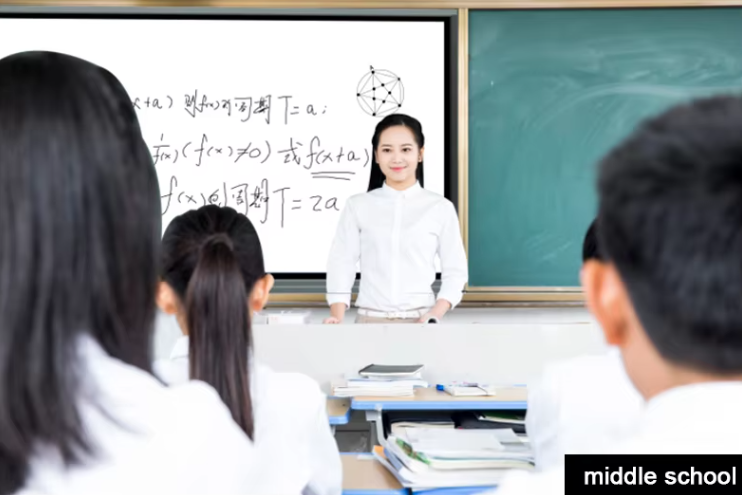
Best Classroom Monitors for Teachers: 5 Essential Features Every Educator Needs
A Practical Display Buying Guide by FVASEE
In today’s digital-first education environment, teachers rely on high-quality classroom monitors to deliver lessons, manage content, and support hybrid learning. Whether used for lesson planning, online teaching, or classroom presentations, choosing the right monitor for educators directly affects productivity, comfort, and teaching efficiency.
This guide explores the five essential features every teacher needs in a classroom monitor, helping schools and educators make informed decisions. As a professional display solution provider, FVASEE designs education-focused monitors that meet the real needs of modern classrooms.
Why Classroom Monitors Matter More Than Ever
Unlike general office displays, classroom monitors for teachers must support long teaching hours, frequent content switching, and diverse learning environments. From remote teaching to in-class instruction, monitors are no longer optional—they are a core component of education display technology.
A well-designed monitor helps teachers:
Reduce eye strain during long teaching sessions
Improve lesson clarity and visual accuracy
Seamlessly switch between devices and platforms
Support hybrid and remote learning scenarios
1. Eye Comfort Technology for Long Teaching Hours
Teachers spend hours every day preparing lessons, grading assignments, and conducting classes. Poor display quality can cause eye fatigue and discomfort.
What to Look For:
Flicker-free display technology
Low blue light or eye comfort modes
Anti-glare screen coatings
FVASEE classroom monitors are engineered with eye comfort display technology, helping educators stay focused and comfortable throughout the school day. This is especially important in classrooms with extended screen usage and bright lighting conditions.
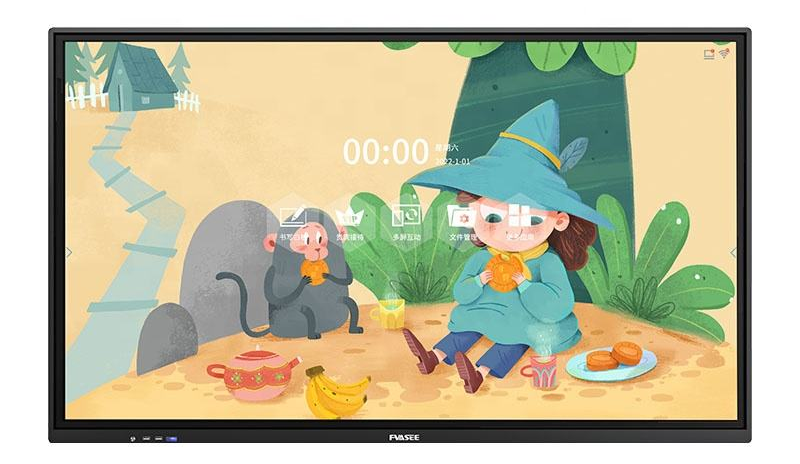
2. Ergonomic Monitor Design for Teacher Comfort
An adjustable monitor is essential for maintaining proper posture and reducing physical strain during teaching and lesson preparation.
Essential Ergonomic Features:
Height adjustment
Tilt and swivel support
Portrait and landscape rotation
An ergonomic monitor for education allows teachers to customize their workspace, whether they are standing at a podium, seated at a desk, or switching between teaching and administrative tasks. FVASEE monitors are designed with flexible adjustability to support healthy teaching environments.
3. High-Resolution Display for Clear Teaching Content
Clear visuals are critical for effective teaching. Text, diagrams, videos, and presentations must be sharp and easy to read.
Recommended Specifications:
Full HD or higher resolution
Accurate color reproduction
Wide viewing angles
High-resolution classroom monitors ensure that lesson materials are displayed clearly, supporting subjects such as mathematics, science, and language learning. FVASEE education monitors provide consistent image quality that enhances both in-person and remote instruction.

4. Versatile Connectivity for Modern Classrooms
Today’s classrooms are device-rich environments. Teachers often connect laptops, document cameras, tablets, and interactive displays throughout the day.
Key Connectivity Options:
HDMI and DisplayPort
USB-C for power and data
USB ports for peripherals
Versatile connectivity monitors allow educators to switch between devices quickly and efficiently. FVASEE monitors are built to support hybrid classrooms, enabling seamless integration with interactive whiteboards, conferencing systems, and student devices.
5. Support for Hybrid and Remote Teaching
Hybrid learning has become a permanent part of modern education. Teachers need monitors that support video conferencing, screen sharing, and online collaboration tools.
Hybrid-Ready Monitor Features:
Compatibility with webcams and microphones
Stable display performance for video calls
Multi-window and split-screen support
FVASEE classroom monitors are optimized for remote and hybrid learning, ensuring smooth online lessons, virtual meetings, and digital collaboration with students.
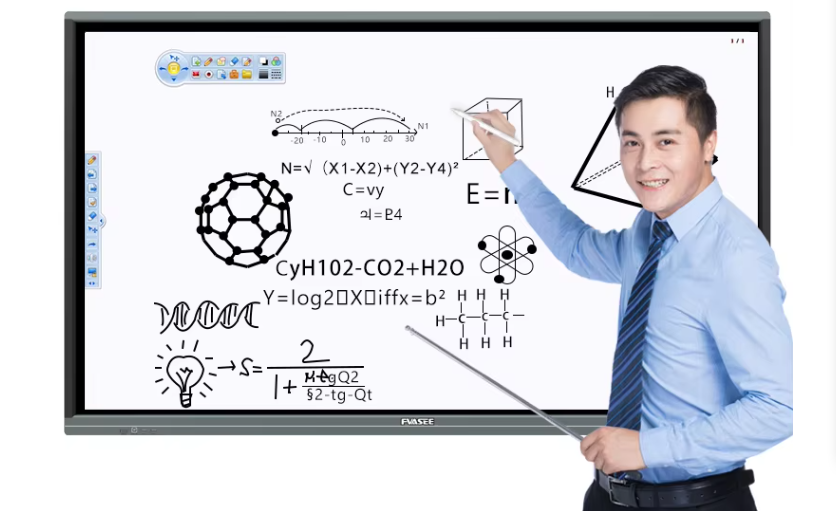
Classroom Monitor vs Interactive Whiteboard: How They Work Together
While interactive whiteboards are ideal for front-of-class instruction, classroom monitors for teachers play a complementary role:
Lesson preparation and content management
Online teaching and conferencing
Classroom control and administration
Many schools choose a combined solution—FVASEE interactive whiteboards for students and FVASEE monitors for teachers—to build a complete, future-ready classroom technology ecosystem.
Why Choose FVASEE Classroom Monitors for Education?
FVASEE specializes in education display solutions designed for real classroom needs. Our monitors support:
Eye comfort and ergonomic design
High-resolution, reliable performance
Flexible connectivity for modern classrooms
Long-term durability for daily school use
FVASEE works with schools, training centers, and education projects worldwide to deliver practical, scalable display technology for educators.
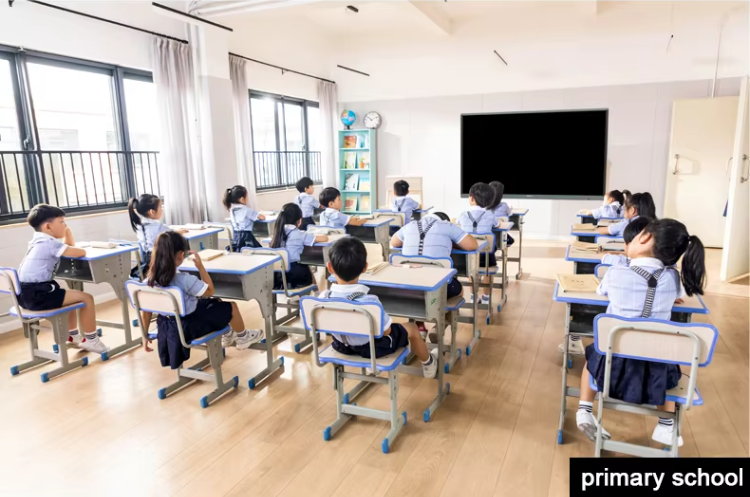
Conclusion: Choosing the Right Monitor for Teachers
The best classroom monitor is not just about screen size—it’s about comfort, clarity, connectivity, and teaching efficiency. By focusing on these five essential features, schools can create better teaching environments and support educators in delivering high-quality instruction.
FVASEE classroom monitors help teachers work smarter, teach more effectively, and adapt to the evolving demands of modern education.